The Licences screen lists every machine on your account, so you can check on your booths without opening a laptop.
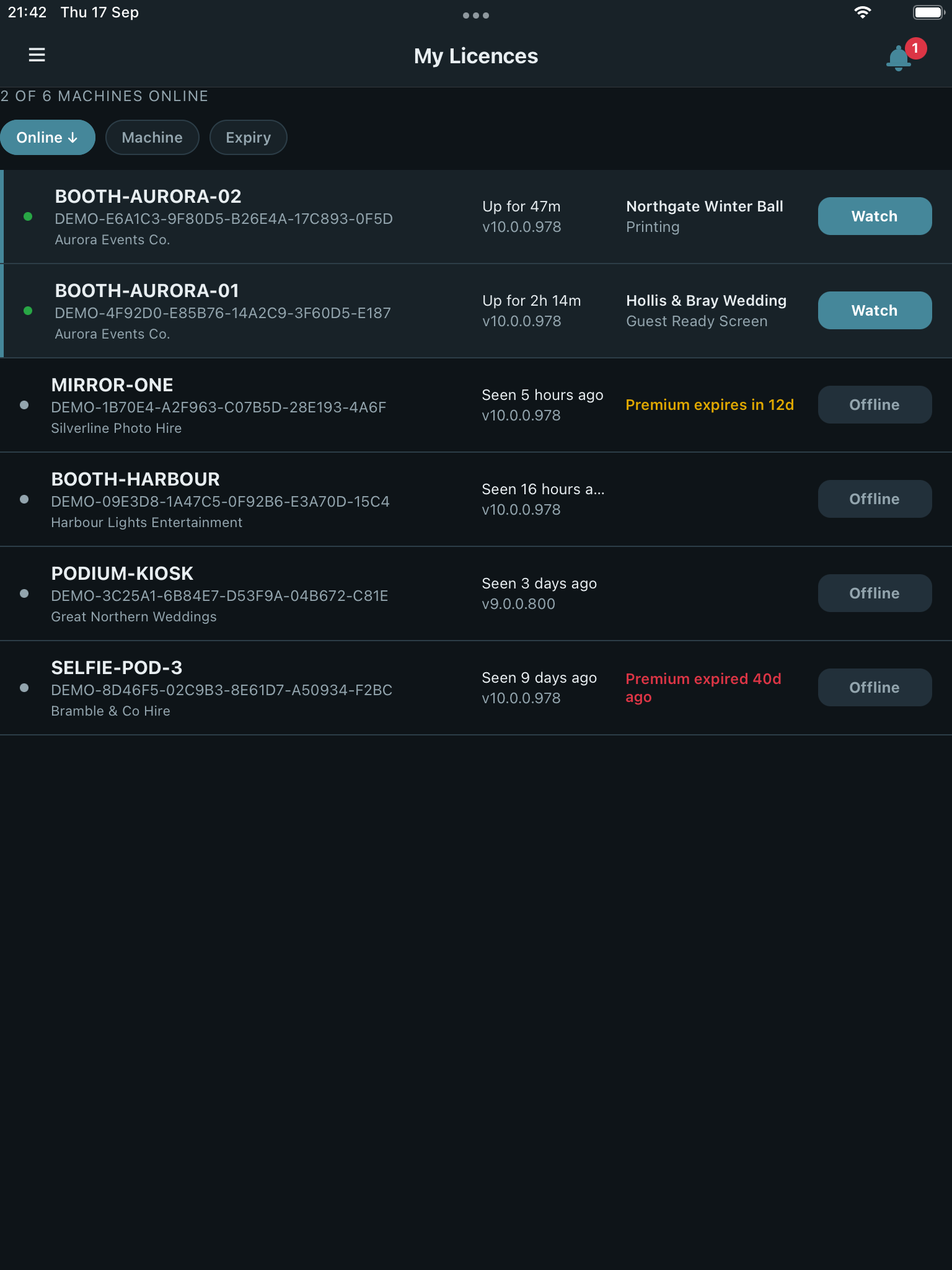
What each row shows
- Machine – the machine’s own name, so you can tell installs apart
- Online state – whether that machine is currently online
- Uptime – how long it’s been online for, when it’s currently connected
- Version – the Booth Junkie version installed on that machine
The list shows as a table with more columns on a wide screen, or stacked cards on a narrow one – the same information either way.
Sorting
Sort the list by Online, Machine, or Expiry to bring whichever matters right now to the top – online status first when you’re checking what’s live during an event, or expiry first when you’re planning renewals.
Licence details
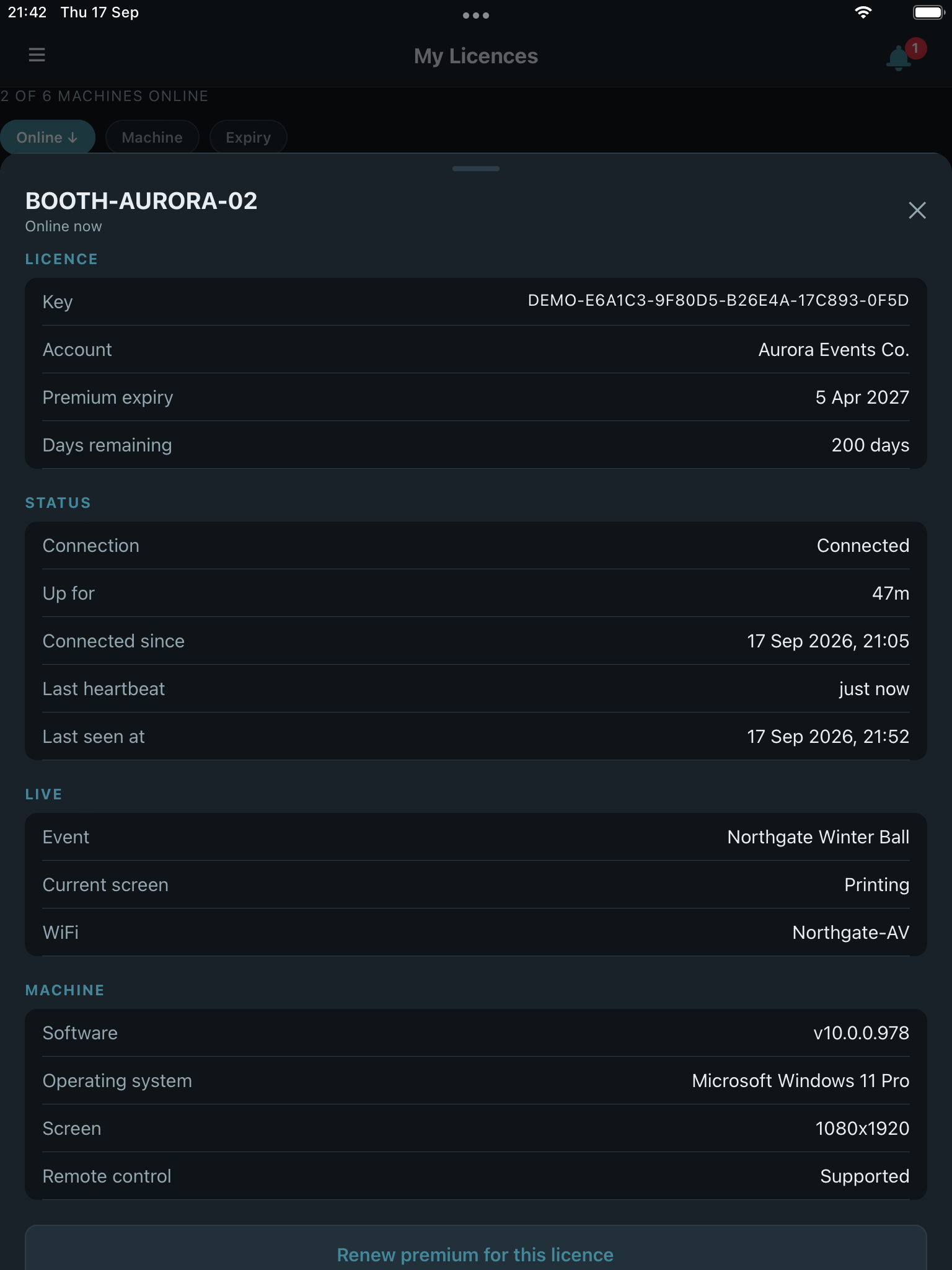
Tap a licence to open its full details. From there, a machine that’s currently online and running Booth Junkie v10.0.0 or newer can also be watched and controlled remotely – see Watch and Control.