
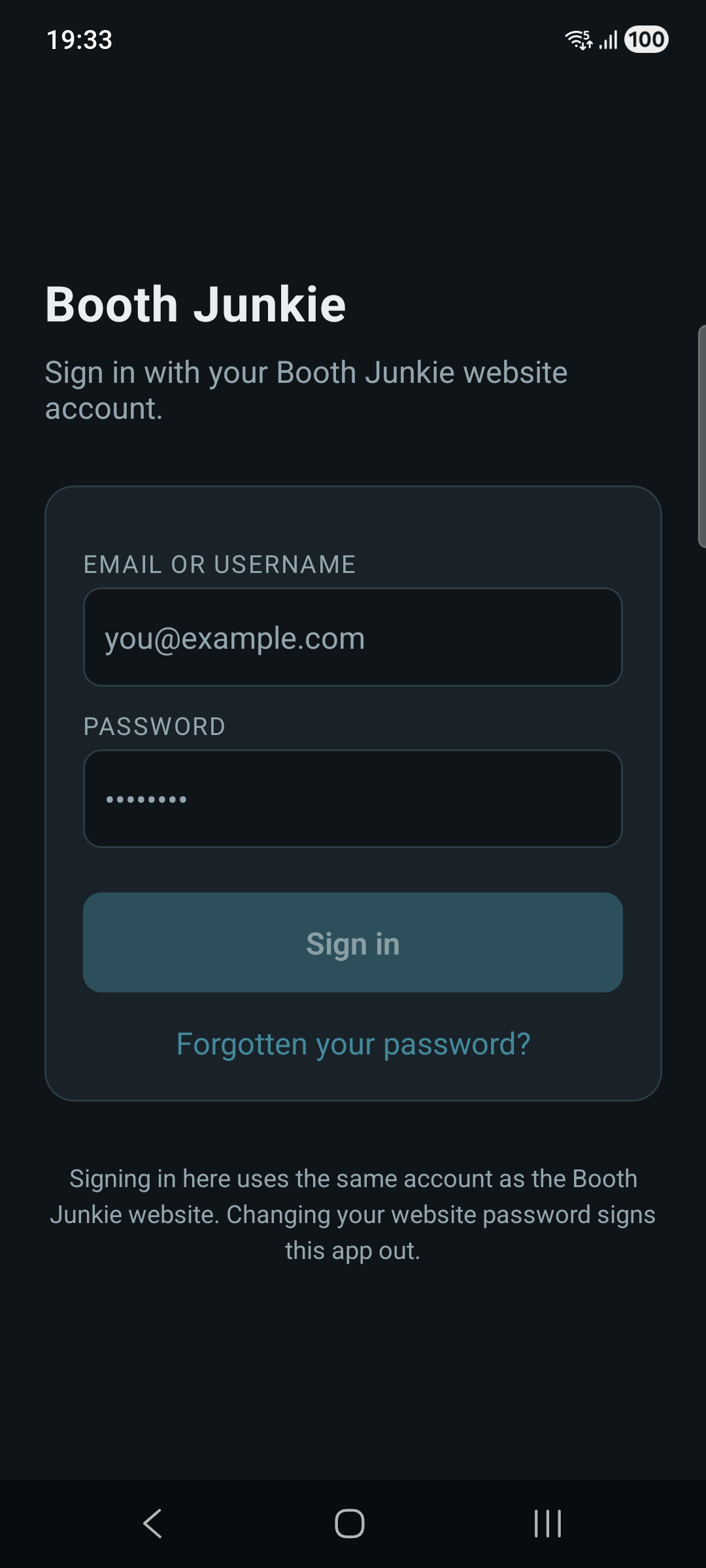
Sign in to Booth Junkie Connect with the same email and password you use for your Booth Junkie account on the website.
Staying signed in
Below the sign-in fields, Stay signed in on this device keeps you logged in for up to 30 days instead of asking for your password every time you open the app. With it turned on, reopening the app unlocks with your device’s own biometric check – Face ID, Touch ID, or your device’s fingerprint/face unlock, whichever it supports – rather than typing your password again.
This is a per-device setting – turning it on for your phone doesn’t affect a tablet or anyone else’s device signed into the same account.