
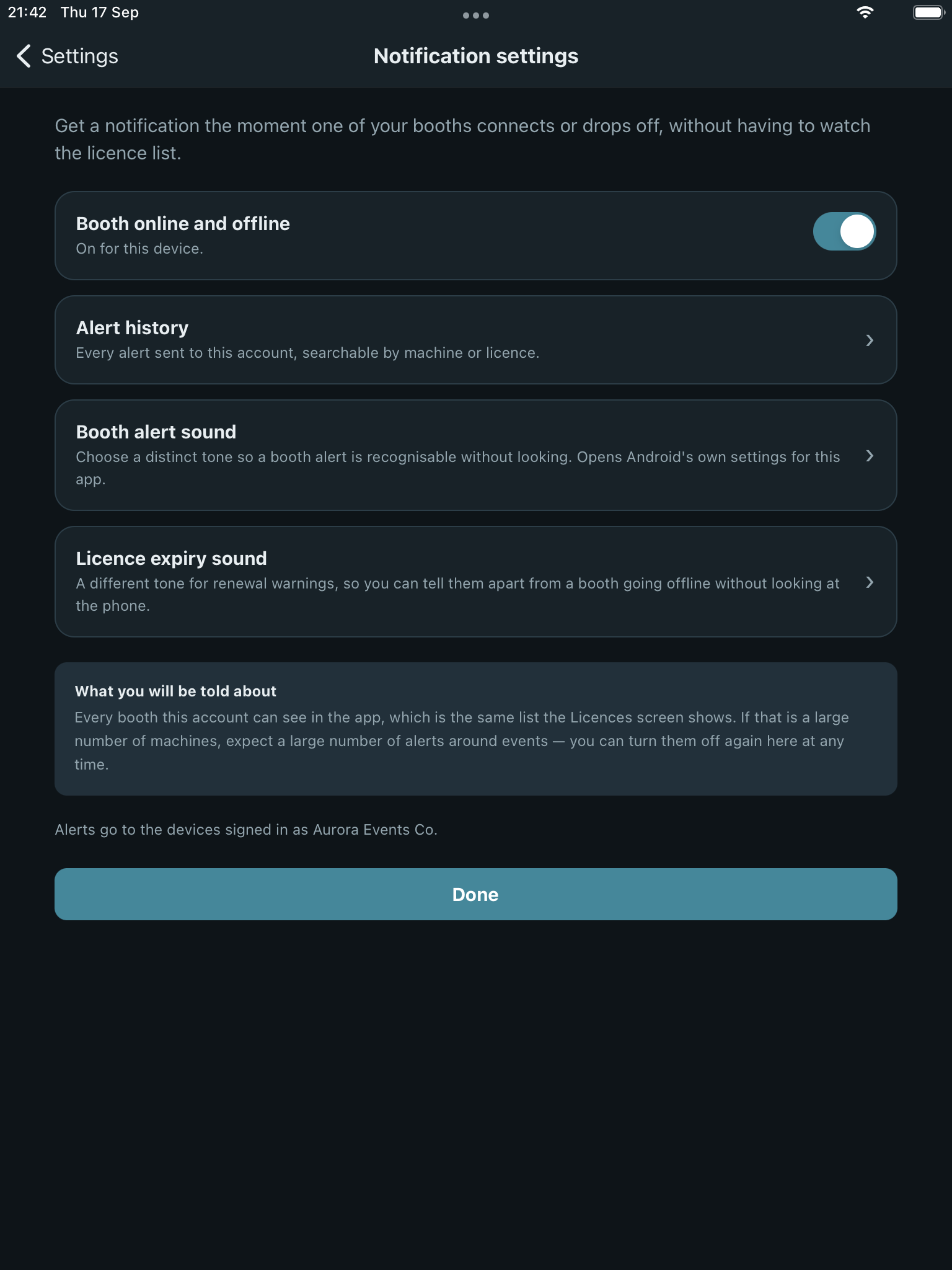
Notifications, found within Settings, keeps you informed about your booths without needing to check the app yourself.
What you’re alerted to
- Booth online/offline – a machine coming online or going offline, switched on or off per device
- Licence expiry warnings – a licence approaching its Premium expiry
- Messages from Booth Junkie – product news and updates, sent to their own channel so you can mute them separately from booth alerts
Tap a message from Booth Junkie to read it in full, with a button through to more detail when it has one.
Alerts cover every booth this account can see – the same list the Licences screen shows. A large fleet means a large number of alerts around events; turn them off here at any time if that’s too much.
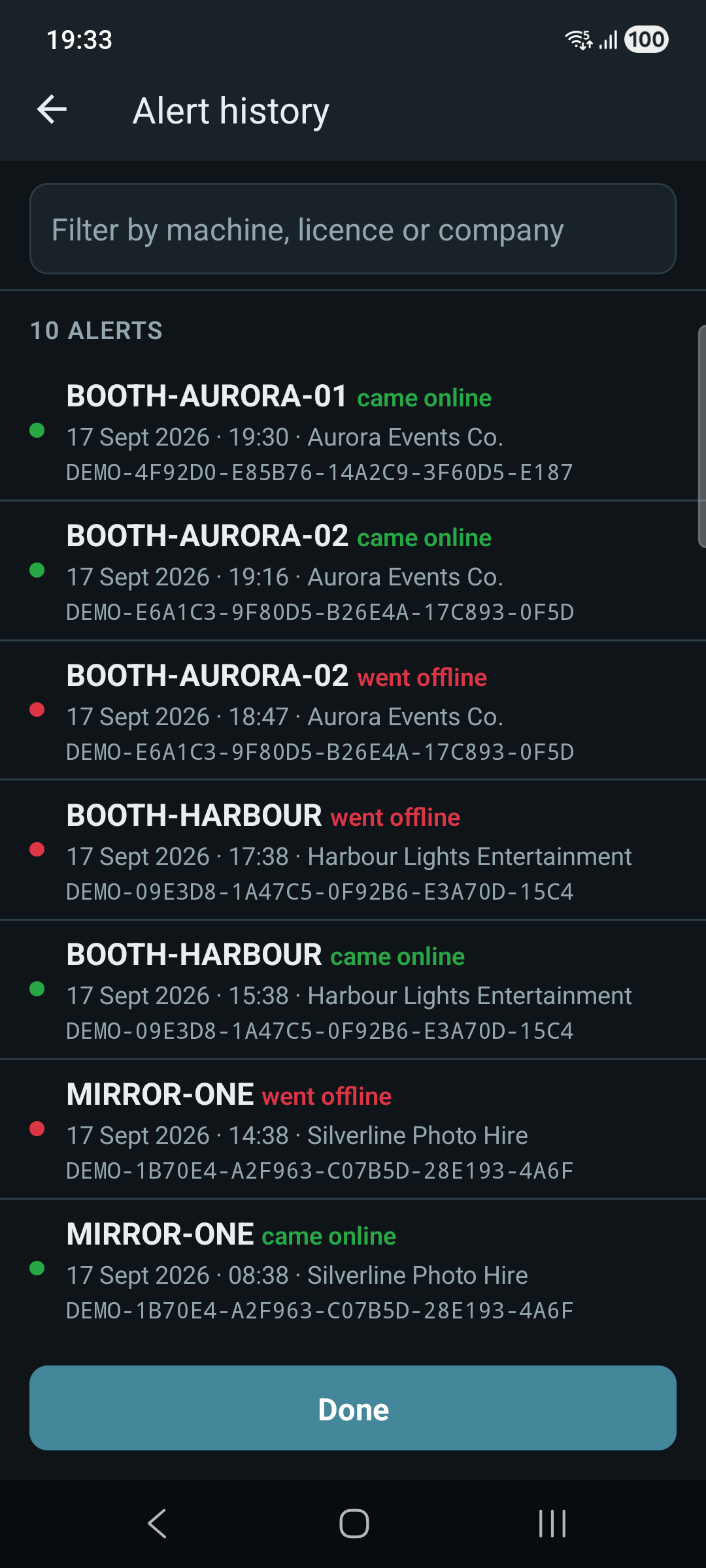
Alert history
Past alerts are kept in a history, searchable by machine or licence, so you can check what happened while you weren’t looking – useful after an event to confirm a booth stayed online throughout, or to see exactly when it dropped.
Choosing alert sounds
Booth alerts and licence expiry warnings each get their own sound, set separately, so you can tell which kind of alert just came in without looking at your phone:
- Booth alert sound – opens your device’s own sound settings for the app
- Licence expiry sound – a different tone for renewal warnings, so it doesn’t sound like a booth going offline