
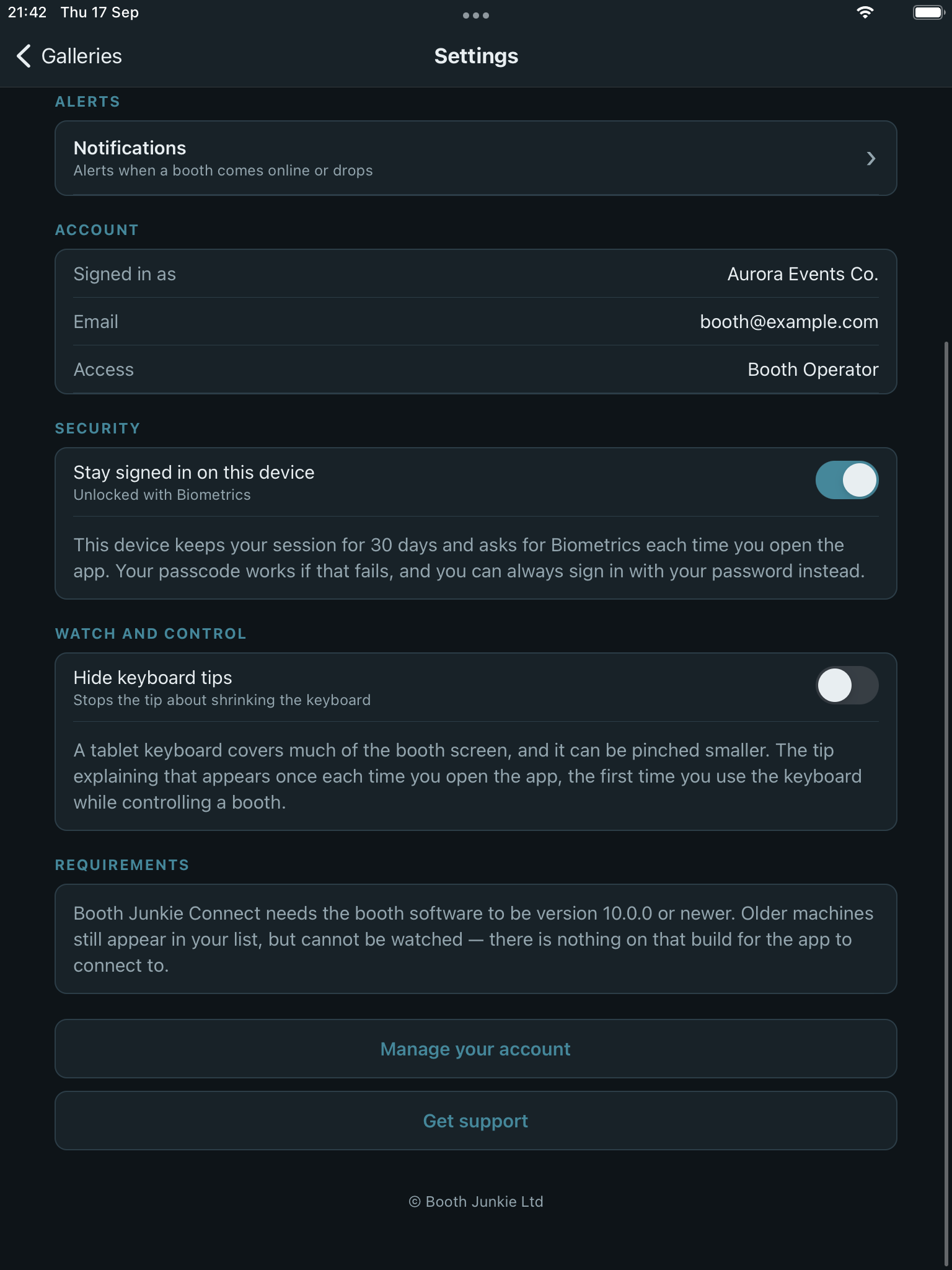
Settings covers your account, security, and how the app behaves.
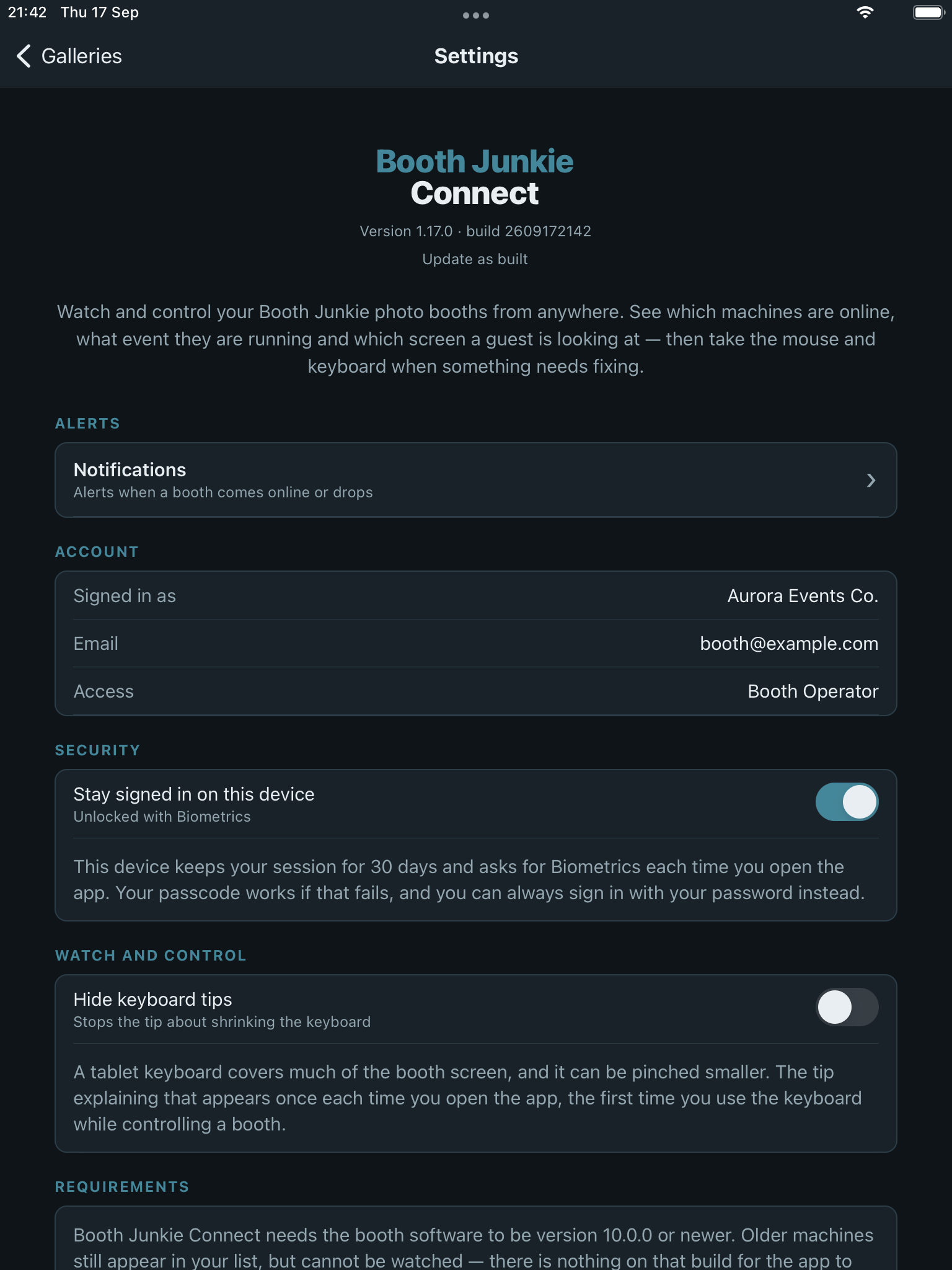
Account and security
Manage your account details and security options from here – the same Booth Junkie account used to sign in on the website.
Hide keyboard tips
The app shows a one-time tip the first time you open the on-screen keyboard in Watch and Control, explaining how to resize it on an iPad. Hide keyboard tips turns this – and other keyboard-related tips – off, once you already know them. It’s off by default, so the tip shows until you switch it on.
Notifications
See Notifications for booth online/offline alerts, licence expiry warnings, and choosing an alert sound.
Requirements
Booth Junkie Connect needs a machine running Booth Junkie v10.0.0 or newer to watch or control it remotely – an older version can still appear in your licence list, but Watch and Control won’t be available for it until it’s updated.