
The Galleries screen lists every event’s online gallery – the same galleries covered on the website side in Your Galleries, for checking on an event from your phone.
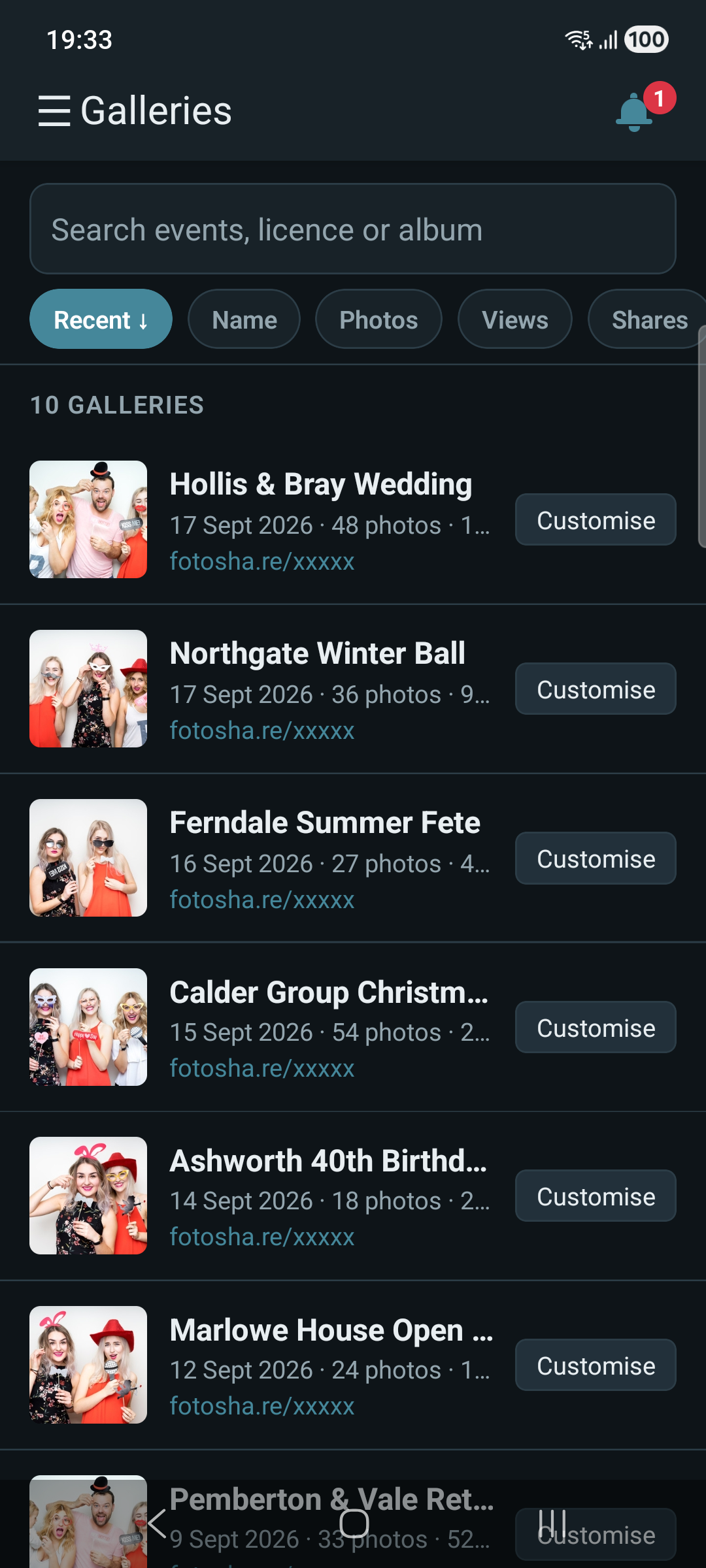
What each row shows
Photo count, share count, and view count for that event, plus a direct link to the gallery’s fotosha.re page – the same link guests use. Each row also has a Customise button – see Customising a Gallery for changing how it looks.
The list shows as a table with more columns on a wide screen, or stacked cards on a narrow one – nothing is missing either way. One small difference: held upright, a phone shows each gallery’s date without the time, since there isn’t room for both; rotate to landscape or use a tablet and the time appears too, shown beneath the date in your device’s own timezone with the zone named (BST, EDT, and so on).
Finding a gallery
Search by event name, album ID, or company to jump straight to one, or use Sort to order the list. Scroll to the bottom to load more – the list doesn’t load every gallery on your account at once.
Opening a gallery
Tap a gallery to see its photos – see Gallery Photos for what you can do with them from there.