
Photo Booth Software for Windows
Windows 10 · Canon DSLR and webcams · Bought once, not rented
Runs on Windows 10
A PC or laptop in the booth
Canon and webcams
DSLR, mirrorless or USB webcam
Any Windows printer
No compatibility list to check
Bought once
A lifetime licence, not a rental
A Windows application that runs the whole booth
Booth Junkie is desktop software. It installs on the Windows PC or laptop inside your booth and takes over the machine: it drives the camera, fills the touchscreen guests actually touch, composes the print layout, sends the job to the printer and gets the photos out to the people in them.
There is no separate app to run alongside it and nothing to keep in sync. From the moment the booth is switched on to the moment the last guest leaves, one program is doing all of it.
It runs on Windows 10.
Real cameras, controlled directly
Booth Junkie connects to Canon DSLR and mirrorless bodies over USB and controls them properly — not as a webcam, but as a camera, with its exposure settings exposed in the Admin Panel and matched to the dial on the camera in your hand.
Guests see themselves on screen through live view while they pose, so nobody is guessing where to stand or what their face is doing. If a booth does not need a DSLR, a standard USB webcam works too, and the rest of the software behaves identically.
The supported camera list covers the bodies Booth Junkie has been set up for in detail. If yours is not on it, ask and we will confirm it.
Printing through Windows, not around it
Booth Junkie prints the way every other Windows program does — through the printer driver you have already installed. It ships no driver of its own and maintains no list of approved models, so any printer Windows can print to will work, from a dye-sublimation event printer to whatever is already on the desk.
That also means a printer you buy next year works on day one, without waiting for anyone to add support for it.
Print design is template-based and covers single prints, strips and multi-shot layouts in both portrait and landscape. Printers and running costs goes into what each print actually costs to produce.
Getting the photos to guests
Prints are half of it. The other half is the copy that goes home on a phone, and Booth Junkie sends those itself:
- WhatsApp — the booth sends the photo straight to the guest over the official WhatsApp Business Platform. No app for them to install, and no code to type back.
- SMS straight to the phone, sent free under the BoothJunkie name.
- Email, through Booth Junkie or your own SMTP server.
- An online gallery for the whole event.
- FTP and cloud drives, for operators who want the files landing somewhere of their own.
All of them go through the Upload Queue rather than being sent on the spot, which means a venue with no wifi is not a problem. The booth collects everything, and the moment it is back online it sends the lot. Failed sends retry on their own.

The range it covers
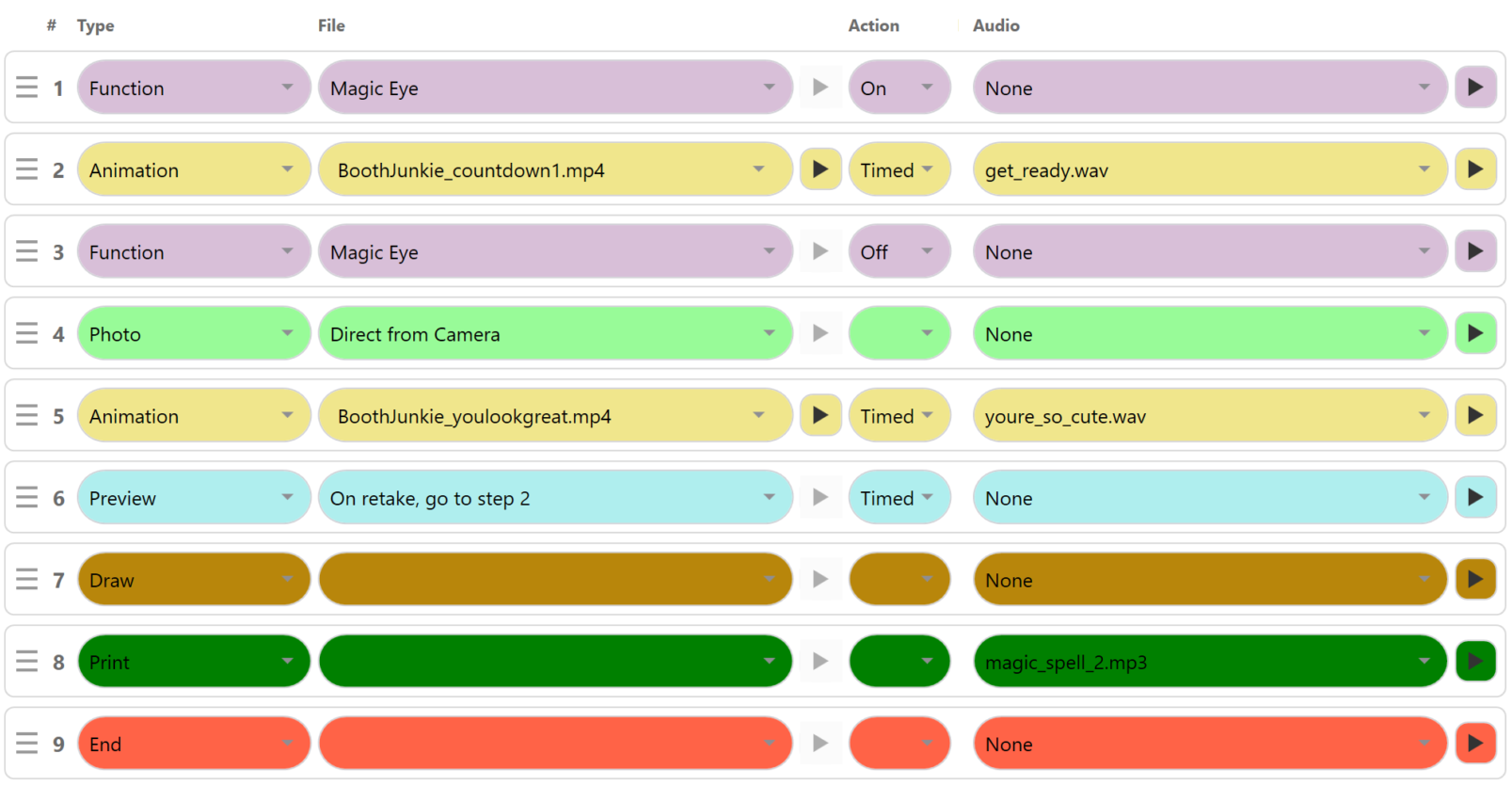
The same software runs a straightforward wedding or birthday booking — animation, photo, print, done — and a brand activation with green screen, compositing and a print designed to a client’s brand guidelines.
Green screen keying, compositing and branded layouts are there when a brief calls for them and out of the way when it does not. A booking that just needs to work all evening is not made harder by features it is not using.
Bought once
Booth Junkie is not subscription software. A licence is bought once for the machine and does not expire.
Every licence includes twelve months of Premium: WhatsApp, SMS and email delivery; the online event gallery, with guests sharing to Facebook and automatic Facebook uploads; Google Drive, Dropbox and FTP upload through the Upload Queue; AI processing and prompt presets; the per-event Data Capture Report; new templates and animations from the Content Catalogue; payment module support; and software updates with remote support. The features page sets out what is Standard and what is Premium.
When those twelve months end the software carries on working and the licence stays valid — the Premium features pause until you renew, whenever that suits, or you carry on without them.
Comparing it with other Windows software? See the best photo booth software for Windows, eight programs side by side.
Try it on your own booth
The free trial runs for 30 days with every Premium feature switched on, so you can prove the whole setup — your own camera, your own printer, your own templates — before deciding.
Photos carry a watermark until the machine is licensed, and the trial is not licensed for live or commercial events, so use it to test the booth rather than to cover a booking.
See everything the software does, or start with the knowledgebase if you would rather read how something works first.