
AI Photo Effects for Photo Booths
One-click styles · Your own prompts · No green screen needed
One click
Pick a style from the AI Gallery
Always growing
New effects added all the time
Or your own prompt
For a look that is yours alone
No green screen
AI background removal
One click, and the whole look changes
Booth Junkie has an AI Gallery built in. It shows a thumbnail of every effect, so you can see exactly what a style does before you use it — and choosing one is a single click. Pick the style, and the same effect is applied to every guest’s photo.
There is nothing to write and nothing to tune. A comic book look for a birthday, a frosty winter scene for a Christmas party, a pop art print for a brand launch: find it in the gallery, click it, and the booth is ready.
A gallery that keeps growing
The AI Gallery is continuously updated. New effects are added all the time and appear in the gallery as they arrive, so there is always something new to offer the client who booked you last year — without you creating anything yourself.
A new background, with no green screen
AI background removal cuts guests out of whatever is really behind them and places them on a background they choose at the screen — with no green screen backdrop to carry, light evenly and set up. It saves space, time and the cost of a backdrop, and it looks far better in a venue than a sheet of green behind the booth.
A few of the styles in the gallery
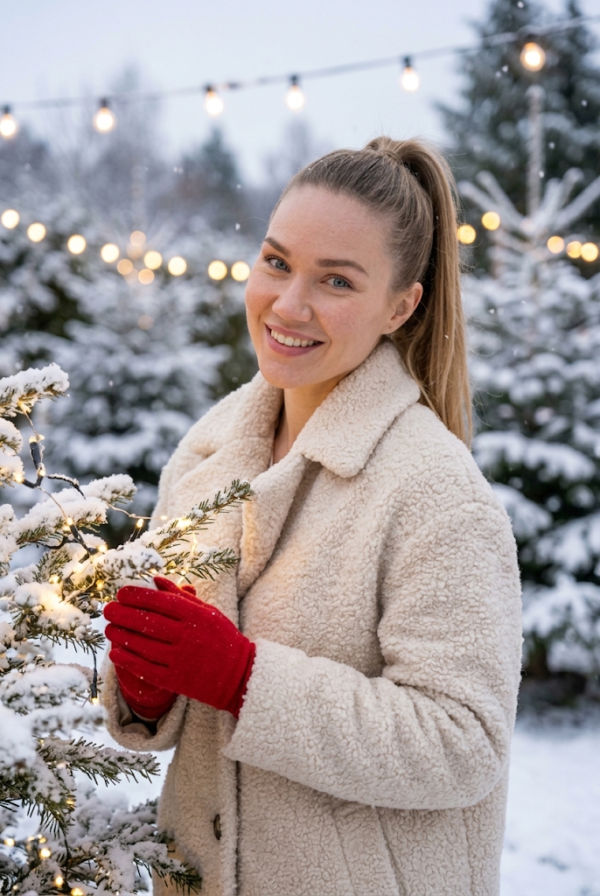
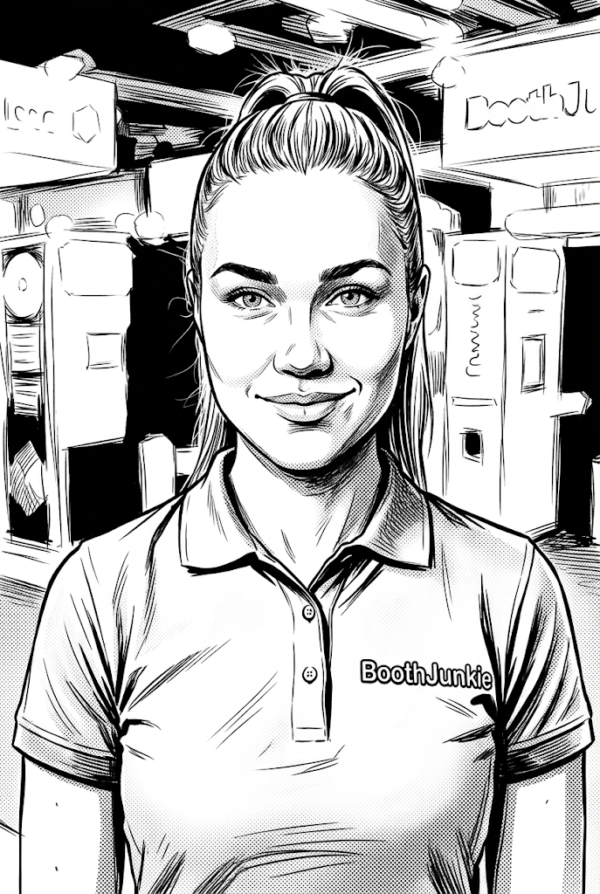
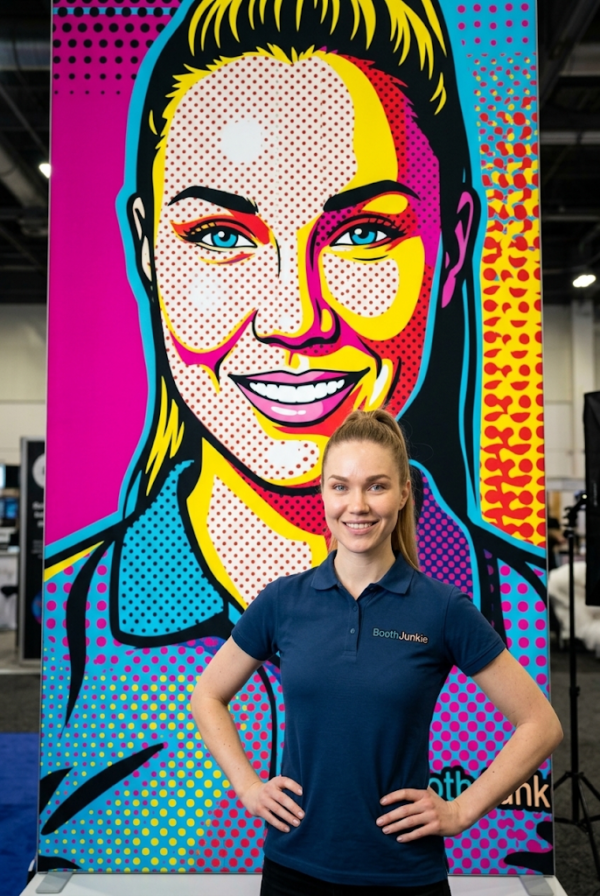
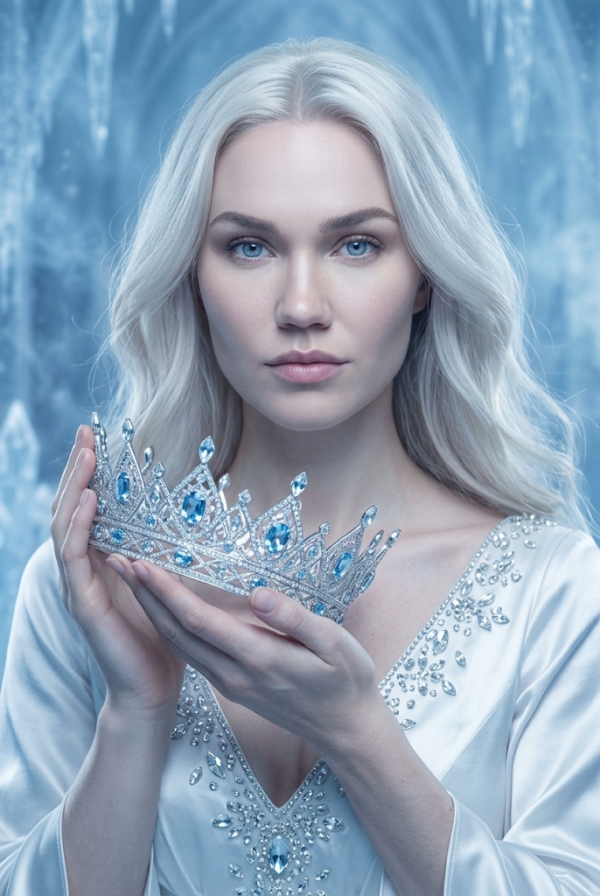
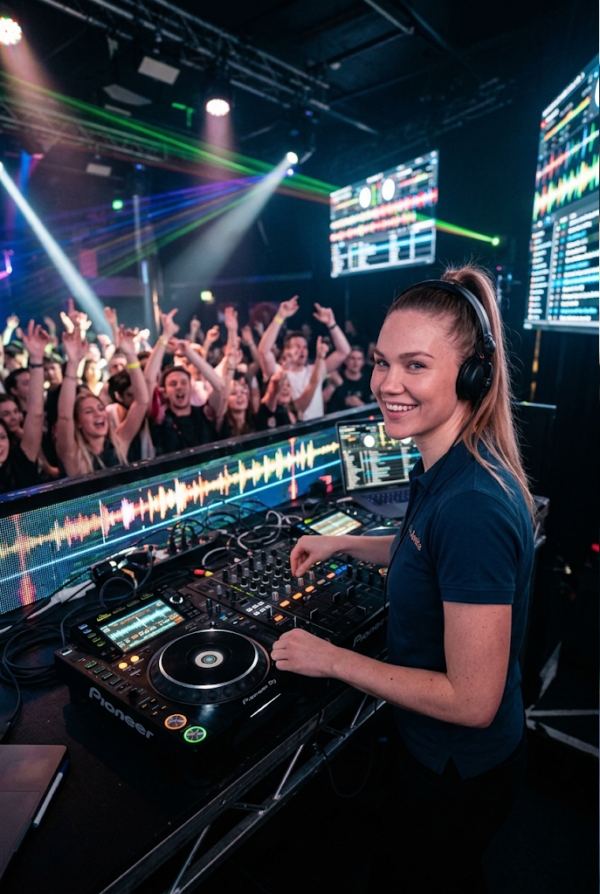
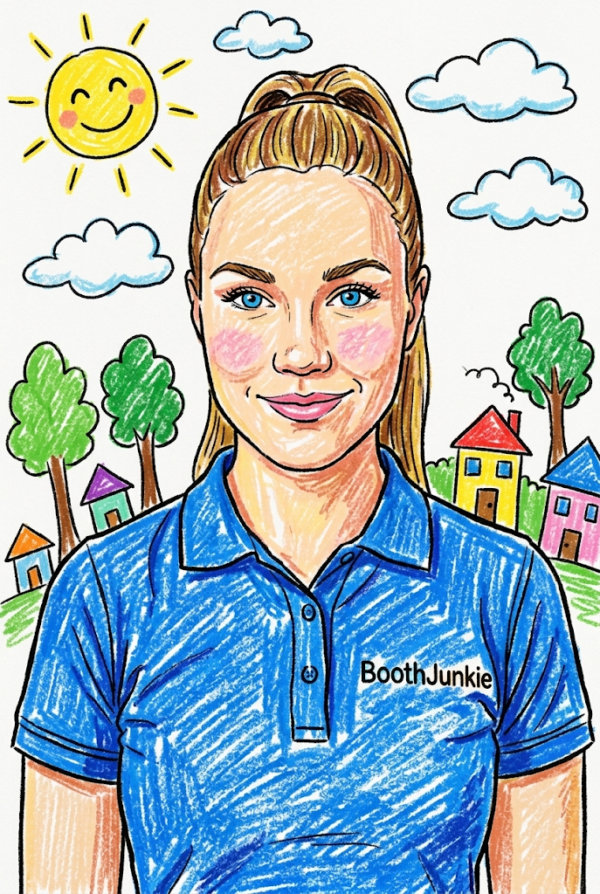
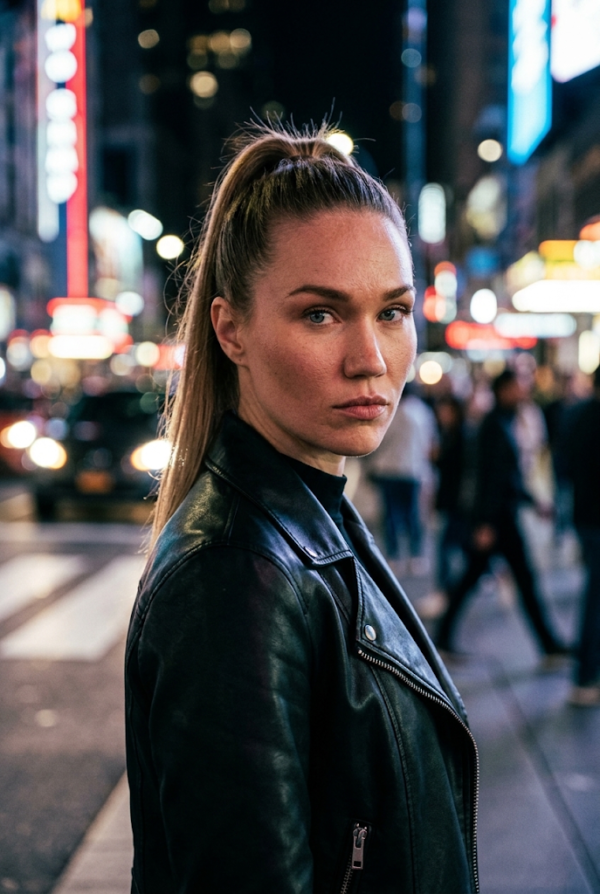
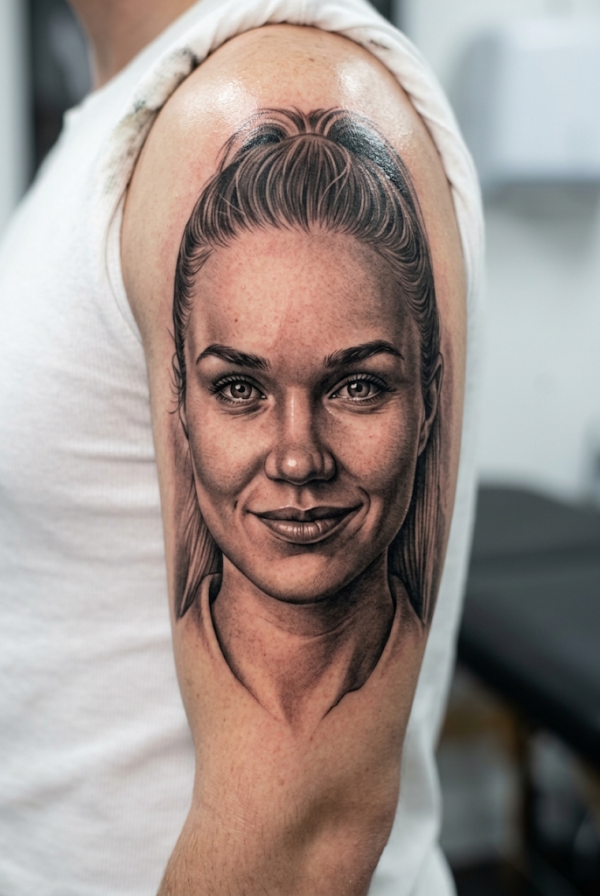
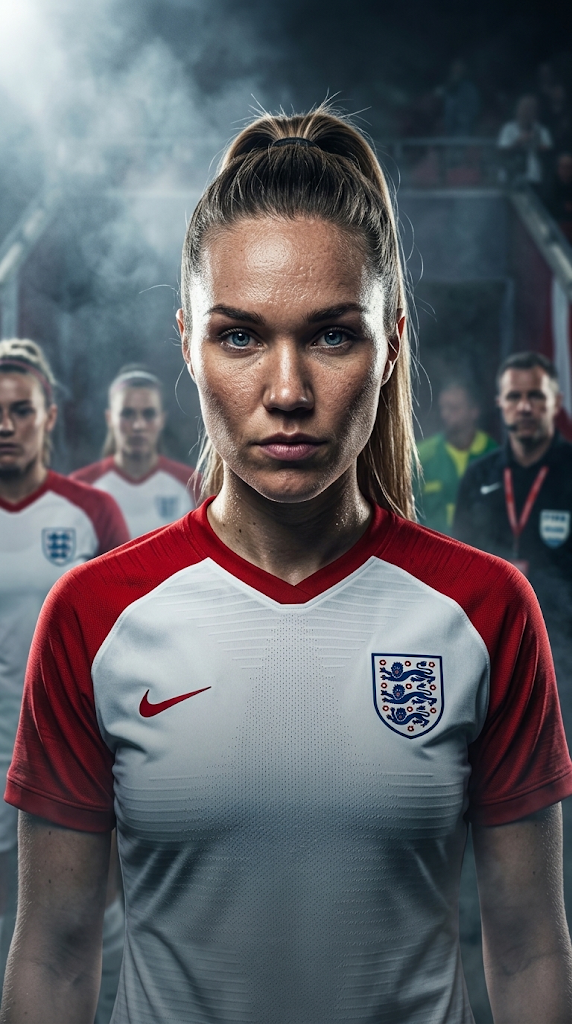
Every one of these is a single click in the AI Gallery — no prompt was written for any of them.
Or write your own prompt
When a brief calls for something the gallery does not have, you can describe the look yourself. Write a prompt, add a negative prompt to steer it away from what you do not want, and choose from several AI models — from fast and light for a busy event to the most detailed for a showpiece activation.
AI is set up on the individual photo step of a workflow, so different steps and shot types can do different things. How AI features work shows where the settings are.
Saved once, used anywhere
A prompt and model you are happy with can be saved as a preset and chosen from any AI step in any workflow, rather than retyped each time. A preset copies its settings into the step without locking them, so you can still adjust the wording for one event without changing the saved version. Saving AI prompts as presets covers it.
What it costs, and what it needs
AI processing runs on online services, so it is paid for in AI Credits from your account balance rather than being covered by the licence. Each model uses a different number of credits per photo, credits are shared across every licence on your account, and the current costs are on the AI Costs tab of your dashboard.
If the balance runs out, only the AI steps are held back — the booth keeps taking, printing and sharing photos as normal. And because the processing happens online while the guest waits, an event using AI needs a live internet connection; everything else in Booth Junkie runs offline.
AI features need Booth Junkie v10 or later and an active Premium term.
See everything else
AI sits alongside the rest of the software — green screen, the print and screen layout editors, and delivery by WhatsApp, SMS and email. Download the free trial to try Booth Junkie on your own booth; photos carry a watermark until the machine is licensed, and the trial is not licensed for live or commercial events.