
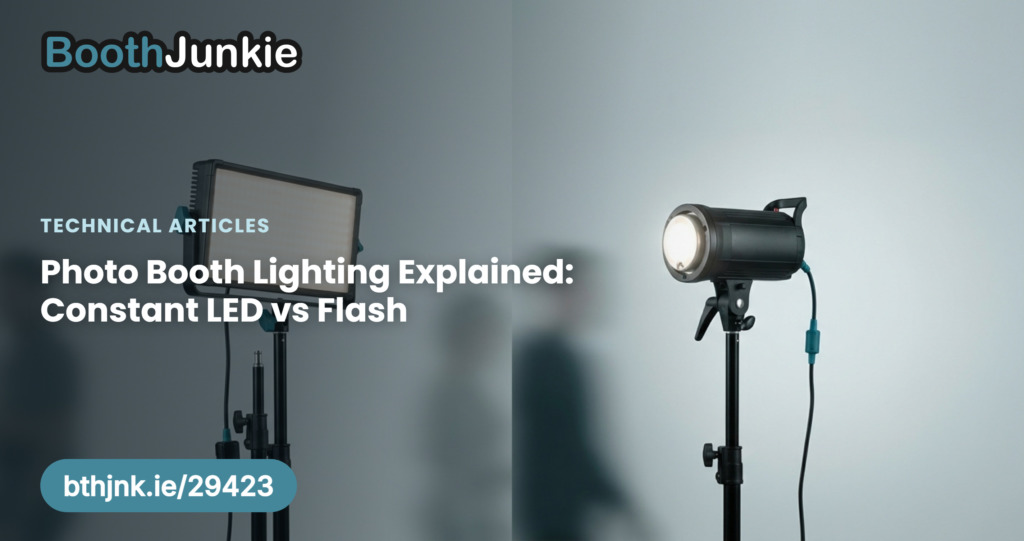
Most booths use constant LED, and most people never question it, but the choice affects your photos far more than it first appears — it decides how your colours come out, whether guests squint, whether your photos are sharp, and even which camera mode you should be in.
Constant LED
A constant light source sits on the booth and stays on the whole time. It is excellent as fill light — it softens shadows on faces and gives the camera something to work with — and because it never goes off, the camera can see the subject clearly and focus easily.
That constant illumination is also where its problems come from:
- It goes in people’s eyes. In a dimly lit venue an LED panel a metre from someone’s face is genuinely uncomfortable, and guests squint in their photos as a result.
- Colour becomes unpredictable. The LED mixes with whatever the venue is already doing — tungsten uplighters, coloured LED wash, daylight through a window — and the camera has to interpret that mixture. It changes from venue to venue, and sometimes across a single event.
- Shadows are harsh. Booth lights usually have no modifier — no softbox, no diffusion — so the light is small and hard relative to the subject, which is exactly what produces sharp-edged shadows.
Flash
A flash does the reverse. It fires only at the moment the photo is taken, so there is no constant light in anyone’s eyes and nobody squints. But because there is no light between shots, the camera has nothing to focus by, which is the main practical difficulty with flash in a booth.
In exchange you get two things that matter a great deal:
- Consistent lighting. The flash is the same every time, so once you have set the white balance correctly, your colours are correct — at that venue and the next one.
- Motion is frozen. A flash fires for a tiny fraction of a second and is far more intense than a constant light, which lets the camera use a much faster shutter speed. That is what stops guests blurring as they move.
Good to know: Flash lets you keep the same settings
Because a flash is so much more powerful than a constant light, it tends to overpower whatever the venue is doing. In practice that means you can keep the same camera settings from event to event. With a constant light you are blending your light with the room instead of overpowering it, so you end up adjusting settings for each venue.
The two kinds of blur, and why the difference matters
If photos come back blurred, there are two quite different causes, and telling them apart is the first step in fixing it.
| Kind | What it is | How to spot it |
|---|---|---|
| Focus blur | The camera not being focused correctly. | Everything in the photo is blurred, including things that were not moving at all. If a stationary object in the background is soft, this is your problem. |
| Motion blur | The subject moving while the shutter is still open. It is the same reason people had to sit perfectly still for photographs nearly two hundred years ago. | Only the moving parts blur — a waving hand smears while the wall behind it stays sharp. |
This connects directly back to your lighting choice. A constant light means a slower shutter speed, so the shutter is open roughly four times longer than it would be with flash — plenty of time for someone laughing or waving to smear. A flash freezes them.
Tip: When you ask for help with blurry photos, say which kind you are seeing
“Everything is soft, including the backdrop” and “the guests smear but the booth is sharp” are two completely different faults with two completely different fixes.
Which camera mode to use
Your lighting choice determines this, and getting it wrong produces a very obvious failure.
| Lighting | Camera mode |
|---|---|
| With a constant light | Use P (Program) mode. The camera samples the light just before taking the photo and sets itself accordingly. Since the light in the room is the light in the photo, this works well. |
| With flash | Use M (Manual) mode and keep the settings fixed for every photo. |
Important: Never P mode with a flash
If you use P mode with a flash, the camera meters the room before the flash fires, sets itself for a dim venue — and then the flash goes off. The result is a badly overexposed photo, often nothing but bright white.
Flash and Live View: why the screen goes black
There is one genuine awkwardness with flash, and it catches people out.
When your camera settings are correct for the flash, they are by definition wrong for the room — the room is much darker than the flash. Live View shows you the room, without the flash, using those settings. On better cameras you can turn off Exposure Simulation so the preview brightens up regardless, but lower-end cameras do not let you control it. So the live preview on the booth screen comes out dark, and often completely black.
Booth Junkie works around this with External Flash Mode, on the Camera tab in the Admin Panel. You enter a second set of camera settings there — ones exposed for the room rather than the flash. While Live View is running, the software sends those settings to the camera so the preview looks correct. The moment a photo is taken, it switches back to your flash settings, and the photo comes out properly exposed.
The result is a bright, usable live preview and a correctly exposed photo, from the same camera, with no compromise on either.
Choosing between them
| Constant LED | Flash | |
|---|---|---|
| Guests squinting | Likely in dim venues | No |
| Focusing | Easy | Harder — no light to focus by |
| Colour consistency | Varies with the venue | Consistent once set |
| Motion blur | More likely | Frozen |
| Settings between events | Need adjusting | Usually unchanged |
| Camera mode | P (Program) |
M (Manual) |
| Live View | Straightforward | Needs External Flash Mode |
If your photos are coming back with squinting guests, colours that shift from venue to venue, or smearing when people move, those are all symptoms of the same thing, and flash addresses all three. If focusing is your struggle — a dark venue where the camera hunts and misses — that is the case constant light answers best.
Tip: The best of both
Many booths run a flash as the main light with a small constant LED alongside purely to give the camera something to focus on. That combination gets you the focusing benefit without putting a bright light in anyone’s eyes.