
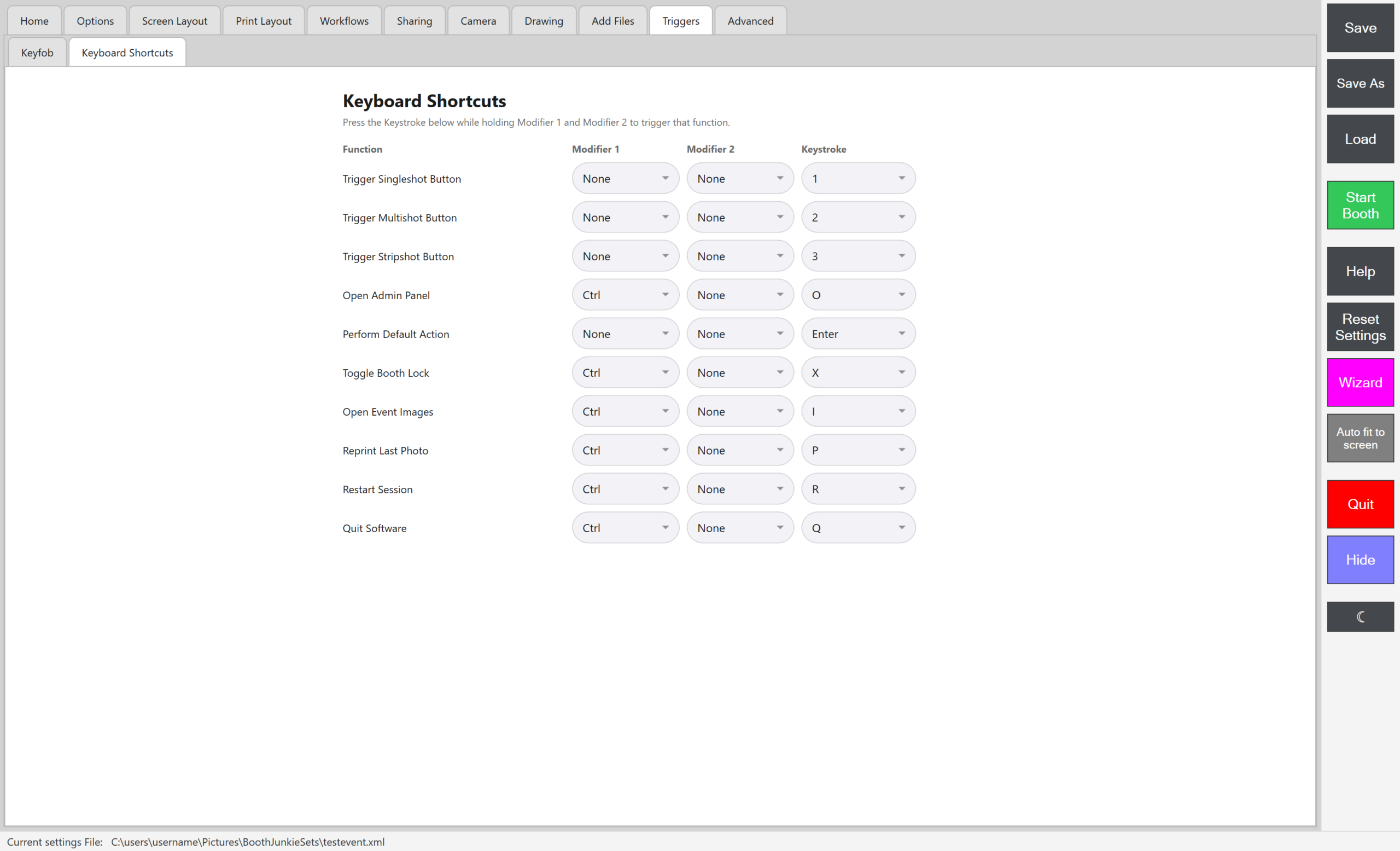
Each function has its own Modifier 1, Modifier 2, and Keystroke – hold both modifiers (if set) and press the keystroke to trigger it.
The defaults
| Function | Default |
|---|---|
| Trigger Singleshot Button | 1 |
| Trigger Multishot Button | 2 |
| Trigger Stripshot Button | 3 |
| Open Admin Panel | Ctrl + O |
| Perform Default Action | Enter |
| Toggle Booth Lock | Ctrl + X – see Using the Booth Lock Screen |
| Open Event Images | Ctrl + I |
| Reprint Last Photo | Ctrl + P – the same action as the on-screen Reprint button covered in The General Tab |
| Restart Session | Ctrl + R |
| Quit Software | Ctrl + Q |
Change a shortcut
Any of these can be changed to a different modifier/keystroke combination, or set to use only one modifier (or none at all, like the shot-trigger and Perform Default Action shortcuts above) – just pick new values from each function’s dropdowns.