
Where to buy credits
Go to Dashboard → AI Credits → Buy Credits (or open Dashboard → AI Credits and select the Buy Credits tab).
How it works
-
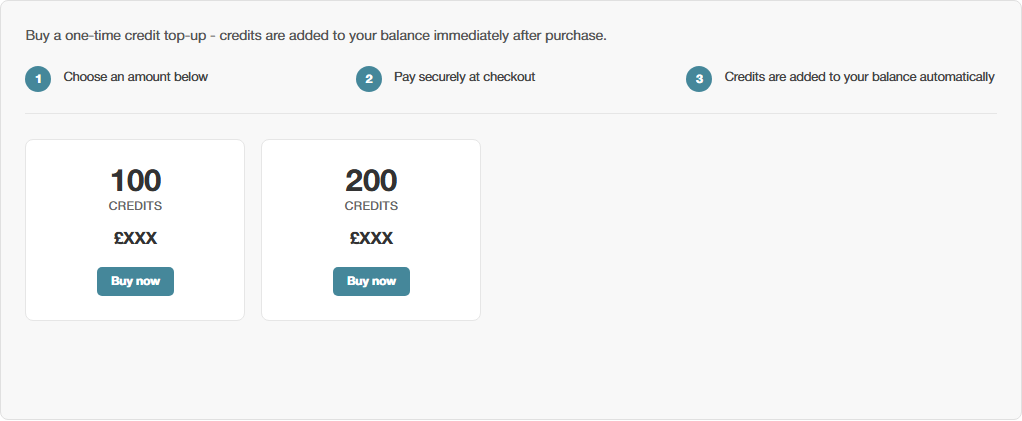
Choose an amount from the options shown
-
Pay securely at checkout
-
Credits are added to your balance automatically
If you’d rather not do this manually every time
A one-off purchase is ideal when you just need a top-up right now. If you’d rather this happened automatically, see:
| Option | What it does |
|---|---|
| Setting Up Automatic Top-ups | Tops up by a set amount whenever your balance drops below a threshold you choose. |
| Setting Up a Credits Subscription | Adds a fixed amount every month, on a schedule, regardless of your balance. |
See also How the AI Credit System Works for why credits are needed in the first place, and Your Credits Dashboard to check your balance at any time.