
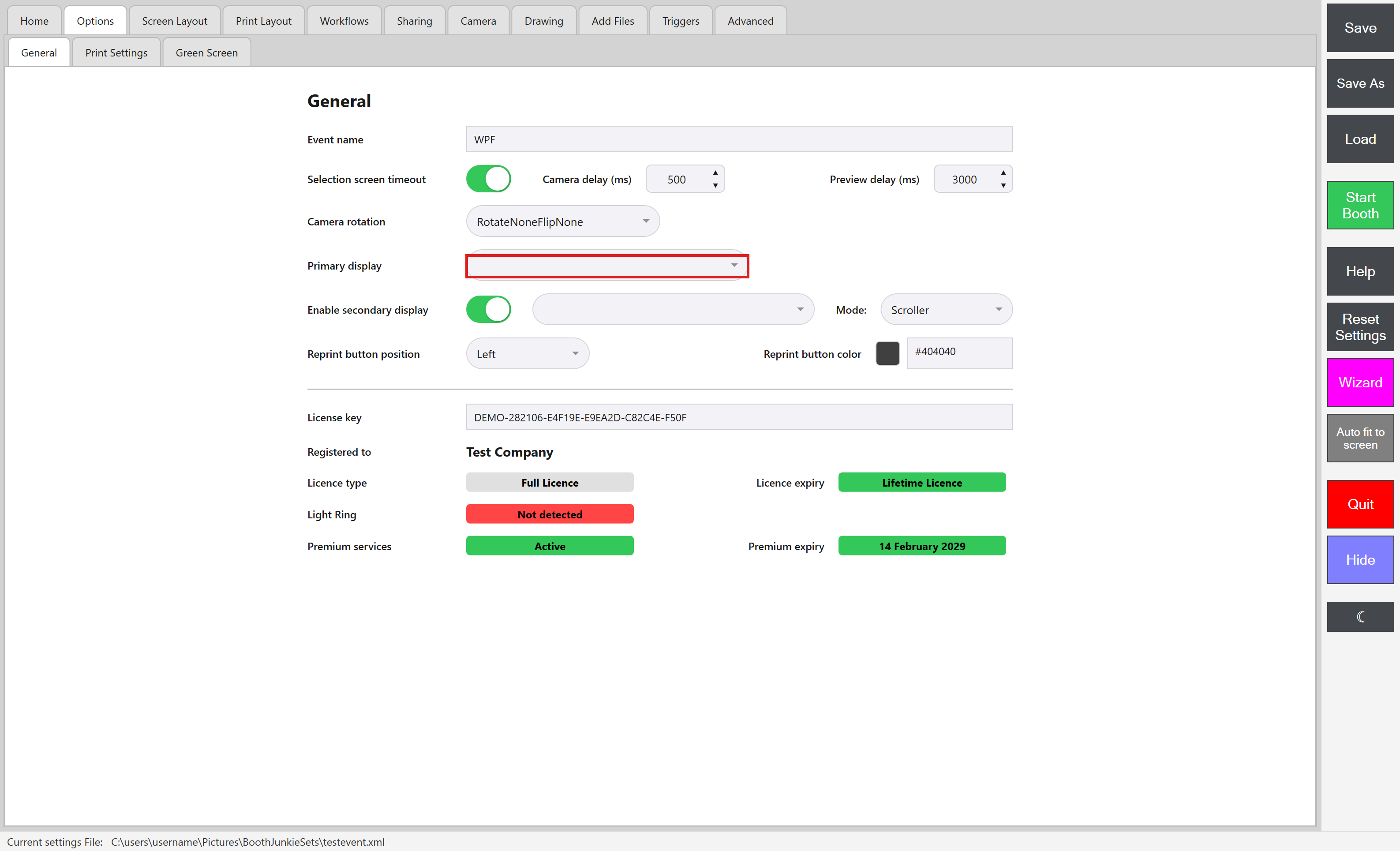
Open the Admin Panel and go to Options and then General. Under Primary display, use the dropdown to choose the display you want to use.
Your Primary and Secondary display can’t be set to the same screen once more than one display is connected – Booth Junkie can’t show two different things on the same screen at once. On a single-display machine, this rule is relaxed so the Secondary display dropdown isn’t left with nothing to select; if you’re not using a second display, leave Secondary display switched off instead.
Do not forget to save your new settings